
Ready to hit 120Hz? Which TV will make your PS5 or Xbox Series X actually feel buttery-smooth (and not just brag about specs)?
You boot your console, hit Performance mode, and expect silk—only to see judder and washed-out HDR. That moment when your TV becomes the weak link is brutal.
Pick a set with low input lag, reliable HDMI 2.1 bandwidth, true 4K@120Hz support and the right panel tech. Get those right and your frame‑rate, color accuracy, and HDR pop exactly like they should—no excuses.
Top Picks for 4K/120Hz
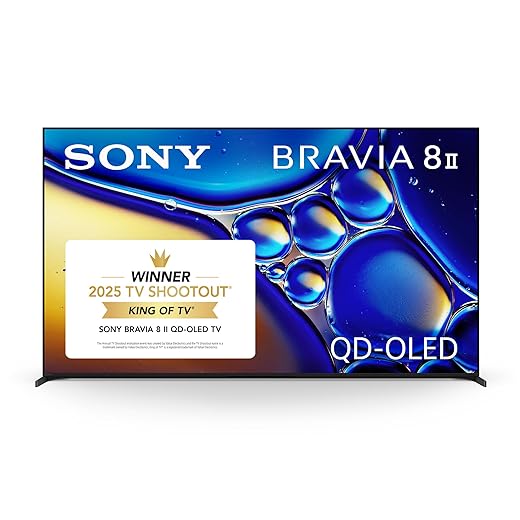




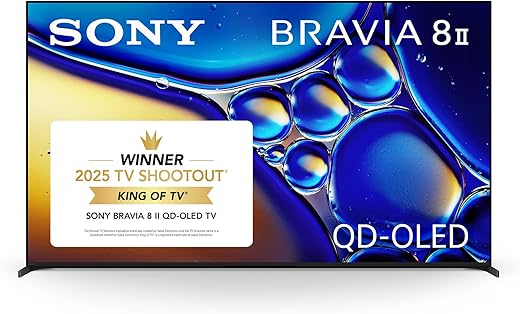
Sony BRAVIA 8 II 65-inch QD-OLED 4K
You’ll benefit from Sony’s best processing and QD‑OLED panel that deliver accurate color, refined motion handling and higher OLED brightness. The combination of XR processing and a high‑quality soundstage makes it an ideal centerpiece for console gaming and cinema use.
Pros
- QD‑OLED with high brightness and accurate colors
- Advanced XR Processor for motion and upscaling
- Good built‑in audio performance and Google TV OS
- Studio‑calibrated modes and IMAX Enhanced support
Cons
- Premium price tier
- Could be overkill if you only want a budget gaming screen
Who should consider this Sony
Choose this model if you want the best color fidelity and motion processing available in a large OLED format, and you value integrated audio performance and content‑creator calibration. Sony’s XR processor focuses on scene‑based analysis, improving texture, depth and motion for both games and filmed content.
Feature set at a glance
- QD‑OLED panel that pushes peak brightness and color volume beyond conventional OLED
- XR Processor with AI-driven upscaling and motion enhancement for reduced judder
- Dolby Vision, Atmos, IMAX Enhanced and Sony Pictures Core support for a comprehensive cinematic ecosystem
These features combine to make games look punchy in HDR, maintain clarity during fast panning shots, and offer accurate color for cinematic playback. For console owners, the TV also includes optimizations geared toward PlayStation 5 workflows.
Practical caveats and setup notes
The TV is optimized for picture quality, so if you primarily need a cheap, high‑refresh gameplay monitor you may find it more expensive than required. Some users call out the lack of a gigabit wired port in certain SKUs — if you rely on wired network performance check the spec sheet.
Tips for optimization
- Use the studio‑calibrated picture mode when watching movies to preserve director intent.
- For gaming, enable the PS5‑optimized modes and set VRR/ALLM on compatible ports.
- If glare is an issue, position ambient lighting to minimize reflections rather than increasing peak brightness.
LG OLED Evo C2 77-inch 4K 120Hz
You get reference-level contrast, exceptionally low input lag and the wide feature set consoles demand at 4K/120Hz. It’s an excellent pick if you want large-screen OLED picture quality with smart features and long-term reliability when paired with a PS5 or Xbox Series X.
Pros
- Class-leading black levels and contrast
- Low input lag and 4K/120Hz HDMI support
- Excellent upscaling and AI picture processing
- Slim profile suitable for wall mounting
Cons
- Expensive compared with LED alternatives
- Peak brightness lower than high-end mini‑LEDs
What this display is built for
You’re looking at a large-format OLED engineered for picture quality first: self‑emissive pixels deliver perfect blacks and near‑infinite contrast, which helps HDR content and dark scenes pop on next‑gen consoles. The panel’s 120Hz capability and low input lag make it a natural match for PS5 and Xbox Series X when you prioritize cinematic image quality and smooth frame pacing.
Key features and how they benefit you
- 4K resolution at 120Hz for native console performance and smooth motion
- AI-powered upscaling and processing to improve lower-resolution content
- Voice assistants built in for quick control and smart integrations
These translate to practical benefits: crisp, film‑like visuals in movies and accurate, deep blacks in dark games; responsive gameplay with minimal latency; and a modern smart-TV environment for streaming and voice control.
Practical considerations and limitations
If you game competitively you’ll appreciate the speed, but if you routinely sit in very bright rooms you’ll notice OLED’s relative peak brightness limits compared with flagship mini‑LEDs. Also, while burn‑in risk on modern OLEDs is low in normal use, you should avoid static UI elements over extremely long sessions.
Real‑world usage tips
- For console play, enable game mode and use HDMI 2.1 ports to access 4K/120Hz with VRR/ALLM.
- If you want wall‑mounted aesthetics, plan for a low-profile mount — the panel is designed to sit very close to the wall.
- Pair with a Dolby Atmos-capable sound system for a true cinematic setup.
LG OLED evo G2 55-inch Gallery Edition
You’ll get the brightest OLED performance LG offers in a slim gallery form factor that’s optimal for wall mounting. It’s a strong choice for mixed use: movie nights, HDR content and console gaming all benefit from its brightness‑boosting tech and extensive HDMI 2.1 support.
Pros
- OLED evo Gallery panel with Brightness Booster Max
- a9 Gen5 AI processor optimizes picture and sound
- Four HDMI 2.1 ports with VRR and G‑SYNC support
- Gallery design for near‑flush wall mounting
Cons
- Designed primarily for wall mounts — tabletop stand limited
- Higher price relative to non‑gallery OLEDs
Purpose and audience
This Gallery Edition is aimed at users who want an OLED that doubles as a framed art piece on the wall while providing elevated peak brightness for HDR. The Brightness Booster Max improves highlight rendition, which helps HDR formatting and bright specular highlights in games and movies.
Technical highlights you’ll appreciate
- Brightness Booster Max combined with an evo panel for improved HDR highlights
- a9 Gen5 processor for dynamic scene optimization and noise reduction
- Native support for Dolby Vision IQ, Dolby Atmos and cloud gaming platforms
In real terms you’ll see crisper HDR highlights and better tone mapping on HDR scenes compared with earlier OLEDs, while gaming benefits from low input lag and variable refresh rate support.
Practical tradeoffs and real‑world notes
Because the G2 is designed as a gallery‑style TV it favors wall installation; the included mounting bracket is specialized. Some users have reported minor quirks with certain AV receivers — keep firmware updated and test your audio chain before final installation.
Setup and optimization guidance
- Use the LG Game Optimizer and enable HDMI 2.1 settings for your console to get 4K/120Hz and VRR.
- If you pair with a soundbar or AVR, enable eARC for lossless passthrough of Atmos tracks.
- For mixed lighting rooms, consider fine‑tuning brightness and contrast presets rather than relying solely on auto modes.
LG OLED C3 55-inch 4K 120Hz Bundle
You get an OLED evo panel tuned for deep blacks and fast response, plus a useful accessory bundle and extended protection. Its gaming features and modern smart platform make it an attractive, ready‑to‑use option for console owners who want high performance out of the box.
Pros
- OLED evo panel for improved brightness and contrast
- Four HDMI 2.1 inputs with VRR and ALLM
- Includes protection plan and HDMI cable in bundle
- Strong smart TV platform and voice assistant support
Cons
- Bundle content varies by seller
- Premium price for a 55" class TV
Ready‑to‑deploy OLED for 4K/120Hz consoles
This 55" OLED bundle targets gamers and home‑theater users who want the full complement of cables, protection and streaming tools from day one. The evo panel improves peak luminance over older OLEDs while maintaining the hallmark deep blacks you expect from self‑emissive tech.
What you’ll notice in everyday use
- Four HDMI 2.1 inputs so you can connect multiple consoles and take advantage of 4K@120Hz on each
- a9 Gen6 AI processing for frame reconstruction and better upscaling of non‑4K content
- Dolby Vision and Dolby Atmos support for compatible sources
That means you can jump between a PS5 and an Xbox Series X without swapping cables, and enjoy elevated HDR performance and immersive audio when available.
Limitations and deployment advice
The bundle is convenient but check which accessories are included before purchase; the extra protection plan is useful if you want longer warranty coverage. If you use the TV in a very bright room, consider calibration or room lights control to minimize reflections.
Practical setup tips
- Use Game Mode and VRR to minimize latency and stutter during fast titles.
- Keep your software updated to maintain compatibility with AV receivers and newer HDMI devices.
- If you subscribe to multiple streaming services, use the webOS app library to consolidate apps and streamline input switching.
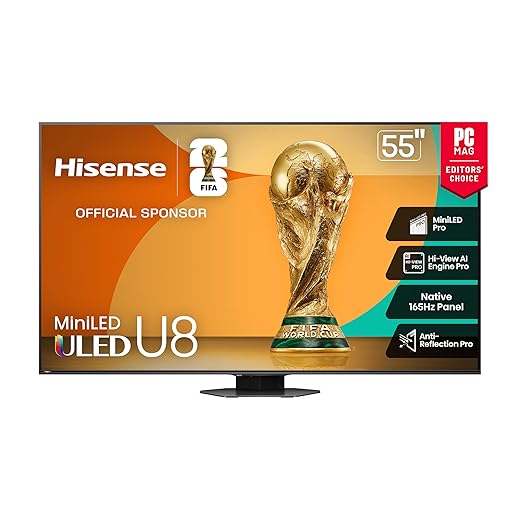
Hisense U8 55-inch Mini‑LED 4K 165Hz
You’ll get an extremely bright mini‑LED panel, a native 165Hz refresh rate and a comprehensive gaming feature set including VRR and Game Boosters. It’s tailored for gamers who want superior daytime HDR and very low latency without spending flagship OLED money.
Pros
- Up to 5000 nits peak brightness and massive local dimming
- Native 165Hz panel with VRR up to 288Hz support
- Strong onboard audio with up‑firing channels for Atmos
- Comprehensive HDR format support and rich color via QLED
Cons
- Color tuning may require calibration for accuracy
- Some presets enable motion interpolation that you might want to disable
Who this Hisense is for
This model is aimed at aggressive gamers and bright‑room viewers: mini‑LED backlighting with thousands of local dimming zones and very high peak brightness makes HDR pop during daytime viewing, while native 165Hz and Game Booster features cater to fast competitive play.
Core technological advantages
- Mini‑LED Pro with up to LD5600 local dimming for precise contrast control
- Native 165Hz refresh combined with Game Booster 288 and FreeSync Premium Pro
- Hi‑View AI Engine Pro for content‑adaptive picture processing
That combination delivers strong dynamic range in bright environments and extremely smooth motion at high refresh rates. You’ll also find handy on‑screen game dashboards to tweak latency and visual priorities on the fly.
Real‑world caveats
Out of the box the color and motion presets might need adjustment — some users find motion interpolation and color saturation higher than ideal for critical viewing. Built‑in speakers are good for casual use but a dedicated sound system will still improve the immersive experience.
Recommended setup steps
- Disable motion smoothing for film content and fine‑tune the color temperature for accurate skin tones.
- Use a high‑quality HDMI 2.1 cable and set the console to enable VRR/ALLM on matching ports.
- For large room installations, test different picture modes and keep firmware current to avoid early bugs.
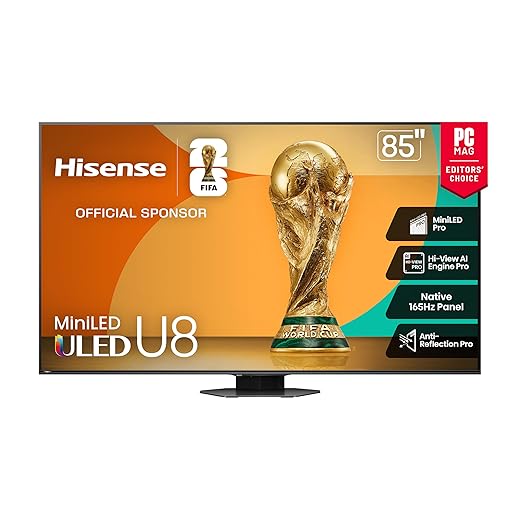
Hisense U8 85-inch Mini‑LED 4K 165Hz
You’ll enjoy massive screen real estate with the same mini‑LED advantages: extreme brightness, dense local dimming and a fast native refresh rate. It’s an excellent option if you want a cinematic, sports‑ready display that also handles high‑fps console gaming well.
Pros
- Large 85" screen with mini‑LED Pro brightness
- Native 165Hz and VRR for fluid gameplay
- IMAX Enhanced and extensive HDR support
- Good built‑in soundstage for a TV speaker system
Cons
- Requires significant wall or stand space and careful mounting
- Color calibration recommended for the best accuracy
Why pick the 85" U8
When you want a theater‑scale image for sports, movies, and console gaming, this 85" mini‑LED balances price-to-performance. The high peak nits and many local dimming zones maintain HDR highlights and deep shadows on a very large panel — crucial for larger viewing distances and communal game nights.
Technical highlights for big rooms
- Up to 5000 nits peak and thousands of local dimming zones for HDR precision
- Native 165Hz panel with VRR and Game Bar for real‑time performance control
- Anti‑reflection treatment to keep scenes readable in bright environments
In practice you’ll get bright, contrasty images with fluid motion handling during sports and action titles. The on‑screen game controls let you prioritize performance metrics like lag and refresh without leaving the game.
Practical limitations and setup notes
This size magnifies any calibration issues; plan to spend time tuning color and gamma for natural skin tones and consistent black level across scenes. Physically, you’ll need a strong mount or wide cabinet footprint and careful cable management for an 85" installation.
Deployment tips
- If you place the display in a bright living room, use the anti‑reflective mode and raise the HDR brightness level.
- Use eARC with a sound system for full Atmos passthrough rather than relying on the built‑in speakers for immersive audio.
TCL QM7K 65-inch QD‑Mini LED 4K
You’ll get mini‑LED local dimming and QD color at a price point that undercuts many competitors while delivering very high refresh rates suitable for gaming. It’s a strong pick if you want bright HDR, high refresh and a responsive Google TV experience without breaking the bank.
Pros
- QD‑Mini LED with extensive local dimming zones
- High refresh rates up to 144Hz for smooth gameplay
- Anti‑reflective screen and strong HDR peak brightness
- Google TV platform with voice remote and streaming features
Cons
- Viewing angles narrower than OLED
- Some early units reported firmware or reliability quirks
What this TCL model targets
This series aims to deliver the high‑brightness, high‑local‑dimming benefits of mini‑LED with quantum dot color processing and fast refresh rates. You should consider it if you want bright HDR highlights, smooth motion for fast games, and robust local dimming for contrast, all at a value price.
Important technical details
- LD2500 Precise Dimming and Micro‑LED control for tight local dimming
- Up to 144Hz native refresh and Game Accelerator profiles for low latency
- Anti‑reflective CrystGlow HVA panel to reduce glare in well‑lit rooms
Practically, this equates to excellent daytime HDR performance and fluid frame rates for competitive titles. Google TV is responsive and integrates well with streaming and casting ecosystems.
Limitations to be aware of
If you sit far off‑axis you’ll notice more color and contrast shift than with OLED; also, a small number of buyers have reported software quirks that were resolved by firmware updates or exchange. If audio is critical, plan to pair with an external soundbar for the best theater experience.
Deployment and tuning tips
- Update firmware immediately and check for picture‑mode presets tuned for gaming and movies.
- Use the Game Accelerator/288 settings for consoles that support high refresh and VRR.
- In bright rooms, leverage the anti‑reflective coating and set a higher brightness preset for HDR content.
VIZIO Quantum Pro 50-inch 4K 120Hz
You get a capable 4K/120Hz QLED set at a very accessible price, with Active Full Array dimming and Wi‑Fi 6E for modern streaming. It’s a sensible choice if you want a budget‑friendly console TV that supports 4K gaming and good color out of the box.
Pros
- Quantum Color QLED and active full array local dimming
- 120Hz 4K support with AMD FreeSync Premium Pro
- Wi‑Fi 6E and smart features with Chromecast/AirPlay
- Good value for 4K/120Hz capability
Cons
- Less peak HDR brightness than premium mini‑LEDs
- Some owners reported software or port durability issues
Who should consider this VIZIO
If you need 4K/120Hz capability for console gaming but are budget‑conscious, this 50" VIZIO balances features and price. Quantum Color and active full array backlighting give a marked improvement over basic LED TVs, and gaming features like FreeSync help reduce tearing and stutter.
Practical technical summary
- Active Full Array backlight with local dimming improves contrast and perceived HDR performance
- 120Hz at 4K plus AMD FreeSync Premium Pro compatibility for smoother console and PC gameplay
- Wi‑Fi 6E, AirPlay and Chromecast built‑in for flexible streaming and casting
For casual to serious gamers on a tighter budget, it offers the essentials: low latency, variable refresh technology and a configurable picture pipeline. VIZIO OS provides a straightforward smart TV experience and free channel options through WatchFree+.
Known limitations and real‑world advice
Peak brightness and local dimming finesse won’t match mini‑LED flagships or OLED black levels, so HDR highlights and deep shadow consistency are more limited. A few buyers have reported long‑term reliability issues with audio outputs — test your required ports early and keep the firmware updated.
Setup suggestions
- Spend time adjusting picture presets — manufacturer defaults prioritize latency over color accuracy.
- If you rely on optical audio, verify the port function during the return window and consider using eARC-enabled receivers for best audio fidelity.
- For PC use, test 1080p/240Hz scenarios where the panel can achieve very high frame rates for competitive play.
Final Thoughts
Pick the Sony BRAVIA 8 II 65-inch QD-OLED 4K if you want the best console-first image and motion handling. Its QD‑OLED panel plus Sonys XR processing deliver outstanding color accuracy, refined motion, and higher OLED brightness than typical OLEDs—ideal if you value cinematic HDR, low latency and top-tier color for both PS5 and Xbox Series X.
Choose the Hisense U8 55-inch Mini-LED 4K 165Hz if you game in a bright room or want the best value for ultra-fast refresh. The U8s mini‑LED local dimming, very high peak brightness and native 165Hz refresh make it the smarter pick for daytime HDR, competitive multiplayer (very low latency) and if you want a bit of future-proofing above 120Hz without flagship OLED prices.
If you need a single-word shortcut: Sony BRAVIA 8 II = ultimate console image and motion; Hisense U8 (55") = brightest, fastest, best value for bright-room and competitive play.


