We’ll help you pick the e-reader that feels like a hug and reads like a best friend—Kindle’s seamless ecosystem or Kobo’s format freedom: which will make Mom smile more?
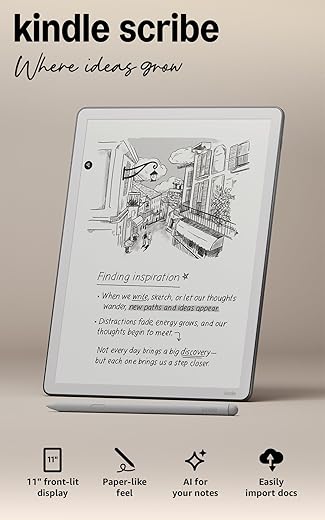
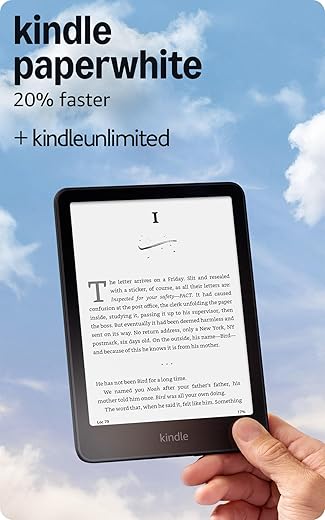
We picture cozy Mother’s Day mornings with tea and a new e‑reader for Mom. We introduce Amazon Kindle Paperwhite 16GB and Kobo Libra Colour, comparing design, display, features, ecosystem, battery, performance, price and gift practicality to find the best fit.
Everyday Essential
We find this Paperwhite a reliable, no-nonsense reader that excels at long sessions and outdoor use thanks to its crisp display and superb battery life. Its ecosystem and Audible integration make buying and managing books effortless, though power users who prefer open formats may need extra steps.
Colorful Choice
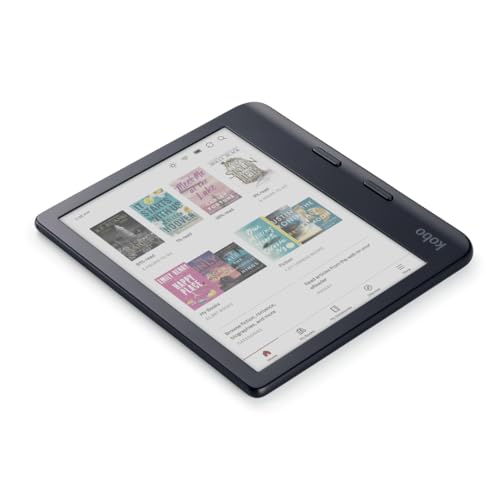
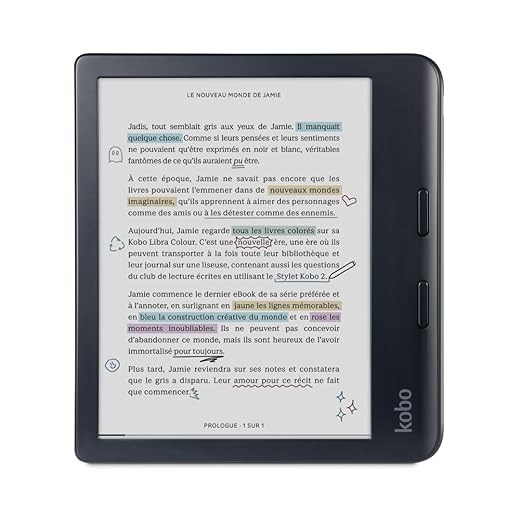
We appreciate the Libra Colour for bringing color to E Ink without sacrificing ergonomics or format flexibility; its native EPUB support and page-turn buttons make reading and library borrowing straightforward. It’s a great choice for readers who want more versatility and annotation options, though color performance is inherently subdued compared with backlit displays.
Kindle Paperwhite 16GB
Kobo Libra Colour
Kindle Paperwhite 16GB
Kobo Libra Colour
Kindle Paperwhite 16GB
Kobo Libra Colour
Side-by-Side Snapshot: Key Specs & Who It’s For
Amazon Kindle Paperwhite (16GB) — At a glance
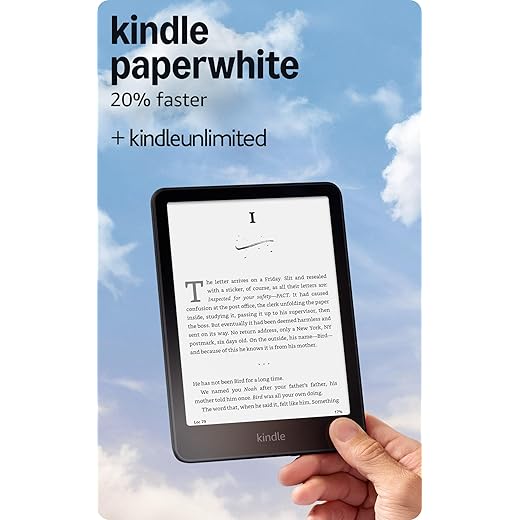
We see the Paperwhite as a fast, simple reading machine built around text-first comfort.


Kobo Libra Colour — At a glance
The Libra Colour targets readers who want color-capable E Ink plus open formats and library access.

Quick pros, cons & who should shortlist each
Feature Comparison Chart
Design, Display & Everyday Reading Comfort
Feel, buttons & one‑hand use
We checked how each device sits in the hand. The Paperwhite’s ultra‑thin chassis and touchscreen-focused layout keep things minimal and light — great for long, uninterrupted reading.


The Kobo Libra Colour adds dedicated page‑turn buttons and a slightly thicker, ergonomic frame that locks into a natural one‑hand grip; it’s ideal if Mom likes tactile feedback and quick landscape rotation.


Screen tech, contrast & text clarity
Both use glare‑free 7″ E Ink, but they behave differently:
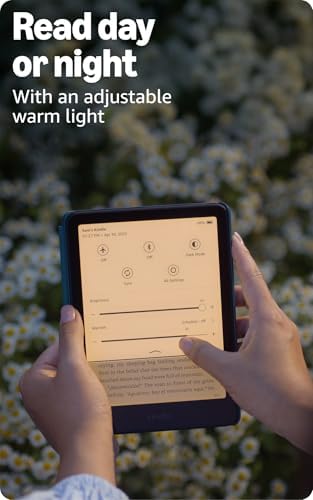
Lighting, warmth & dark mode
Waterproofing & real‑world comfort
Both are IPX8 waterproof, so bathtub or poolside reading is safe. For long sessions we’d recommend the Paperwhite for sustained text reading and maximum contrast; choose the Kobo if Mom reads illustrated books, magazines, or values physical page buttons and native EPUB/library access.
Features, Ecosystem & Content Access
Stores & subscriptions
We look at where Mom will actually buy or borrow books. Kindle hooks into Amazon’s huge Kindle Store and includes 3 months of Kindle Unlimited (auto‑renewal) — great for binge readers who prefer buying or subscribing. Kobo connects to the Kobo Store and promotes Kobo Plus (30‑day trial) for unlimited access in supported markets.
Audiobooks & syncing
Kindle pairs tightly with Audible and uses Whispersync to keep bookmarks, notes and audiobook positions synced across Kindle apps and devices; Bluetooth headphone pairing makes listening simple. Kobo supports audiobooks through the Kobo Store and Kobo Plus and syncs across Kobo apps; check your region and model for wireless headphone compatibility.
Formats, sideloading & library access
Kindle prefers Amazon formats (AZW/AZW3, MOBI, PDF); EPUB requires conversion or send‑to‑Kindle. Kobo natively supports EPUB/Epub3 plus CBZ/CBR for comics and a wider set of open formats — we find sideloading via USB straightforward on both. Kobo has built‑in OverDrive library borrowing in many regions, making public‑library loans effortless; borrowing to Kindle often needs Libby/OverDrive with a send‑to‑Kindle step.

Battery, Performance, Price & Gift Practicalities
Real-world battery expectations
The Paperwhite advertises up to 12 weeks on a single charge — in our tests that holds for steady page-turning with Wi‑Fi off and text-only reading. The Kobo Libra Colour also lasts weeks for mostly text, but its color Kaleido layer and frequent audiobook use will noticeably shorten runtime. Expect color-heavy browsing and audiobook listening to cut battery from weeks to days (or hours of continuous playback).
Responsiveness & everyday use
The Paperwhite’s “20% faster” claim translates to snappier page turns and quicker menu navigation — we notice smoother page swipes and faster sleep/wake. The Kobo is responsive too, but color rendering and extra processing can feel marginally slower.
Price vs features
Accessories, setup & warranty
Gift presentation tips
Final Verdict — Which E-Reader to Pick for Mom
We recommend the Kindle Paperwhite as our top pick for most moms. It’s fast, simple, and offers long battery life plus seamless Amazon and Kindle Unlimited integration — ideal if she wants effortless access to bestsellers and a fuss-free gift.
Choose the Kobo Libra Colour if color magazines, EPUB/library loans, or built-in audiobook support matter more. Quick checklist: Kindle for simplicity and gifting ease; Kobo for color, format flexibility, and audiobooks. Ready to pick? Weigh her reading habits and gift-wrap it for a thoughtful Mother’s Day surprise and include a short reading list.
Author

Like this deal? Get deals like this every week.